Step one
Pick your language.
K-pop tuned for Southeast Asia. Read the day's headlines in the language that feels like home.
EnglishBahasa IndonesiaTiếng Việt
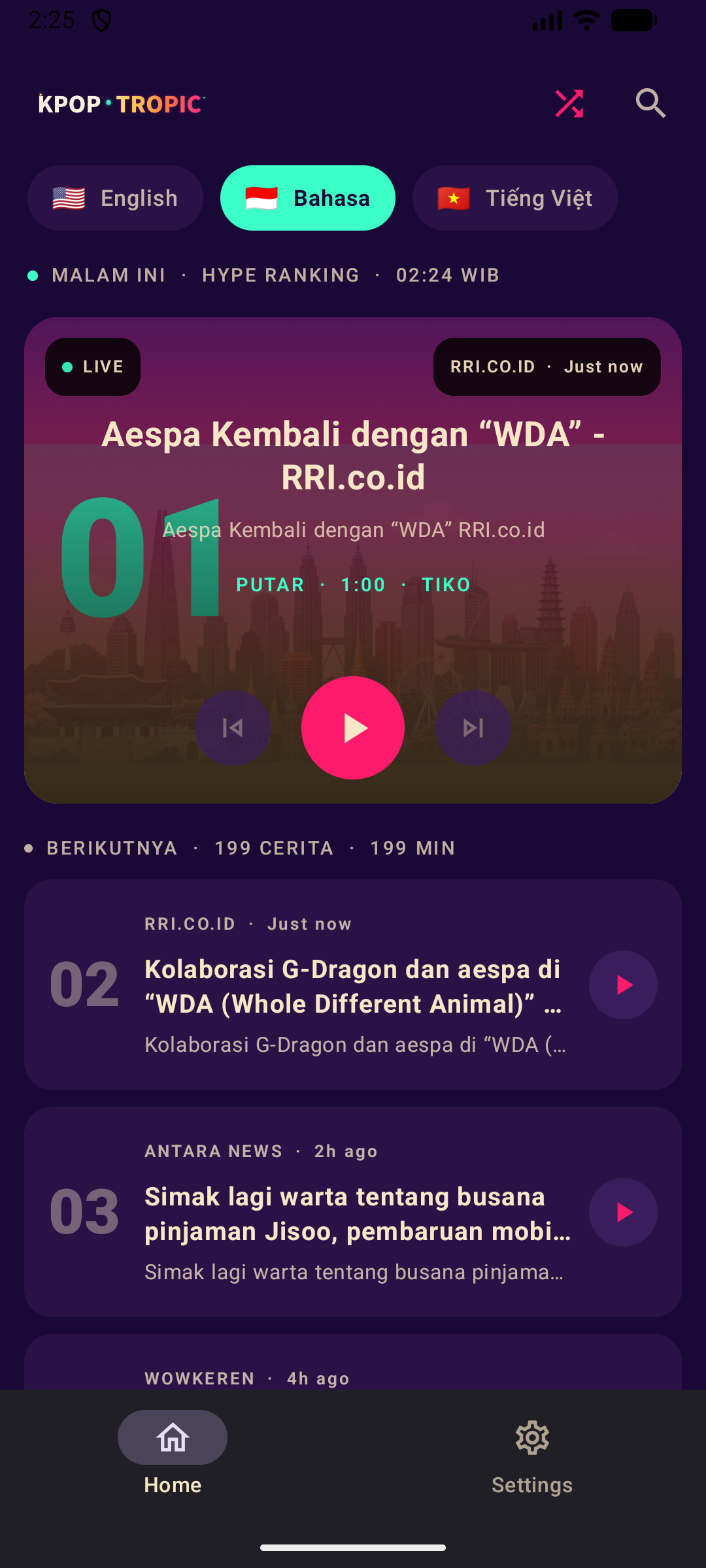


K-pop with a coastal vibe. Comebacks, charts and idol news, read aloud, voice-first and fully on-device.
Get it onGoogle PlayK-pop tuned for Southeast Asia. Read the day's headlines in the language that feels like home.
Press play once and an auto-advance queue keeps the news coming, back-to-back and hands-free.
It runs like a podcast made from today's comebacks, charts and idol news.
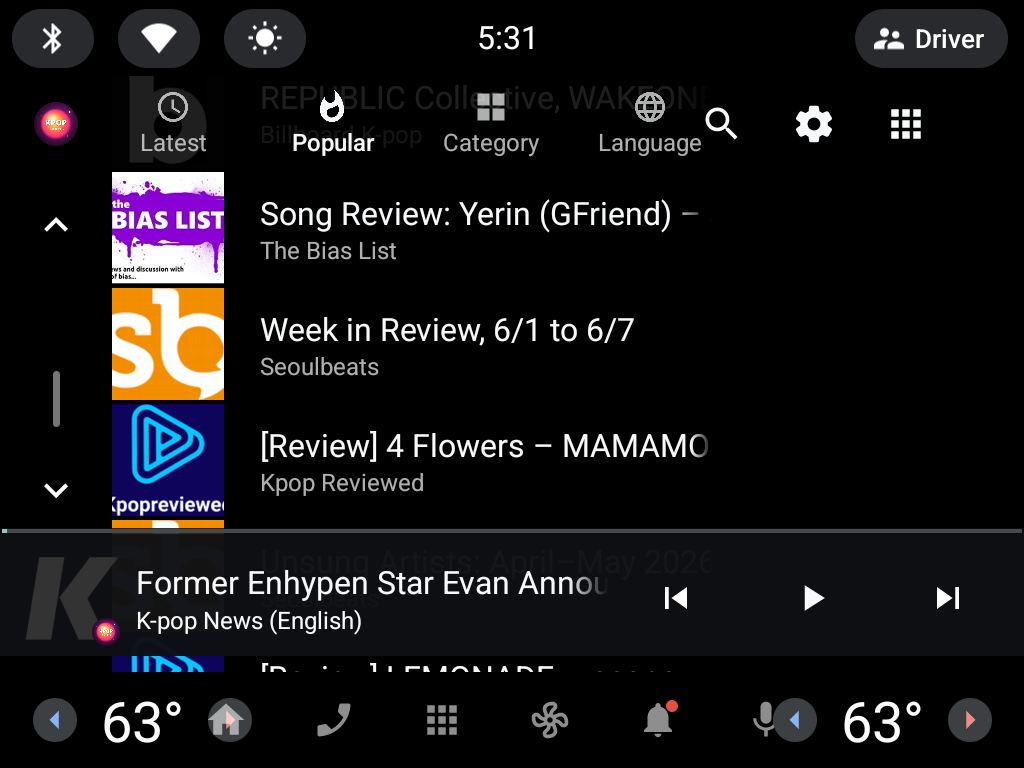
Native Android Automotive support. KPop Tropic appears as a Media Center source in your car, with big glanceable cards and tap-to-play simplicity.
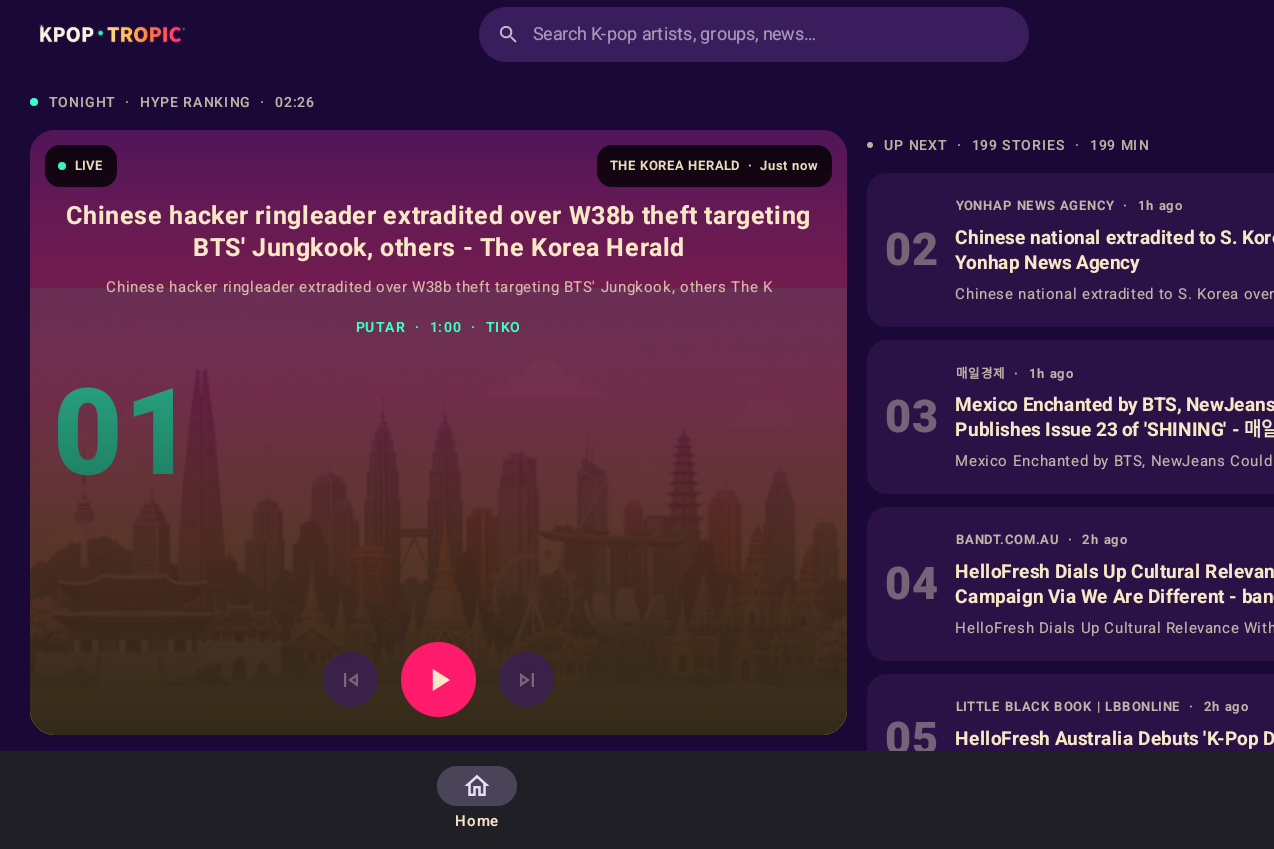
Also on tablet